There’s so much rich functionality now available with Copilot in Outlook to help you with drafting a new email, but are you aware of how Copilot can also help you deal with incoming email? When you highlight text in an email, you’ll notice the Mini Toolbar appears above the highlighted…
Cosurica on Twitter

💡 Outlook tip: Use Contact Groups to email multiple people with one address.
Type the group name in the To: field and Outlook handles the rest — no missed recipients.
Here’s how to set it up:
🔗 https://zurl.co/Jo6o4

Use Outlook’s Immersive Reader to turn any email into a dyslexia-friendly view — or read it aloud while you multitask.
Speed-read, translate, or just listen on the go 👇
https://zurl.co/HI9Z3
Give it a try in your next long email thread! #Microsoft365 #OutlookTips #TechTips


When AWS went down, the internet blinked.
Banks, games, apps — all offline for hours.
It’s a reminder that resilience matters.
Do you know where your data lives — and what happens if the cloud fails?
Read more 👇
https://zurl.co/qKETN
#CyberResilience #ITSupport #Cloud

Thursday Tech Tip Time!
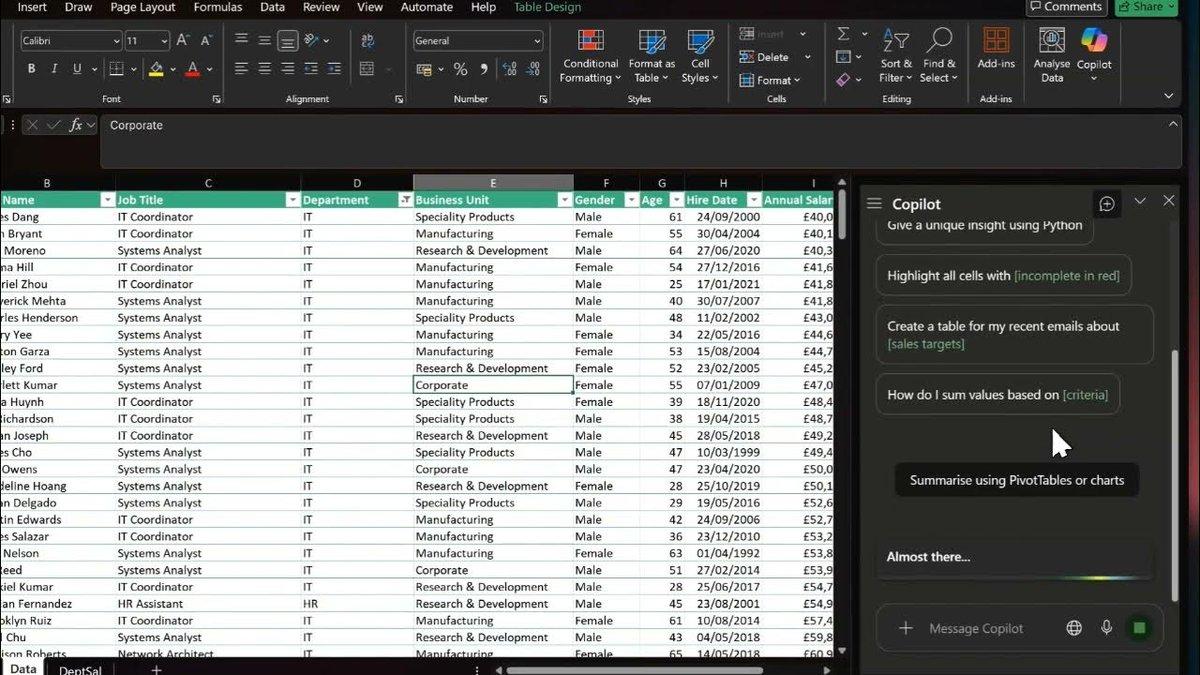
Time is money 💡 Let Microsoft Copilot in Excel handle your repetitive tasks — cleaning data, creating formulas & finding insights in seconds.
Smarter spreadsheets = more time for what matters.
🎥 Watch how it works https://zurl.co/1EuuV
#Copilot